Scam Alerts: The Most Common App Scams in 2026 (And How to Avoid Them)
8 min read The Most Common App Scams in 2026 (And How to Avoid Them) February 05, 2026 20:00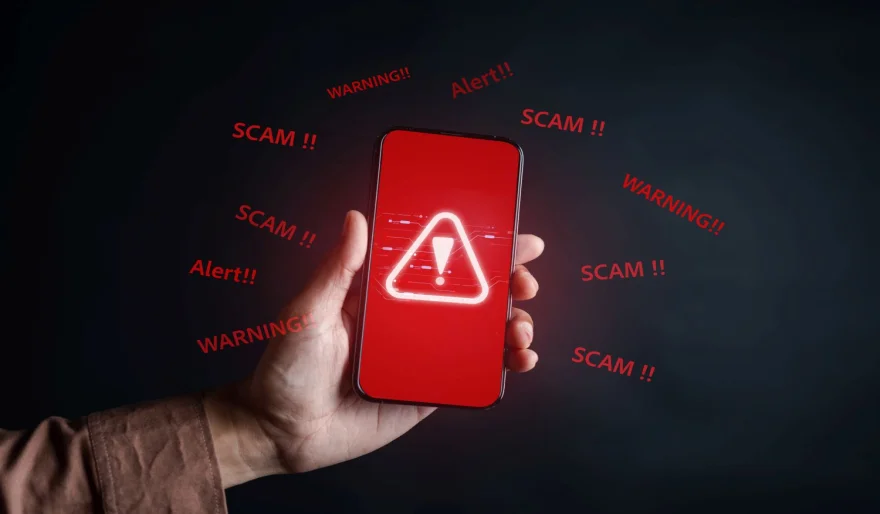
Scam apps in 2026 don’t look like scams anymore. They look like opportunity, luck, or a helpful tool. Today’s scammers are excellent designers and even better psychologists. They copy trusted brands, use polished icons, buy reviews, and exploit timeless human emotions: fear of missing out, the desire for a “deal,” and blind trust in familiar names.
The good news? Once you understand their patterns, avoiding them becomes easy. Here are the most common app scams in 2026—and the simple rules that protect you every time.
Scam #1: The “Fleeceware” Subscription Trap
This is one of the most profitable scams for criminals because it doesn’t feel like a scam at first. The app usually looks harmless: a QR scanner, photo filter, PDF tool, “pro” calculator, or even a simple wallpaper app.
The Hook:
A free install and a tempting “Start Free Trial” button.
The Trap:
The trial lasts only 3 days, and then you’re automatically charged a weekly subscription of $10–$25. Many users don’t notice until weeks later—after paying a shocking amount.
How to Avoid It:
• Avoid subscriptions from unknown developers
• If you start any trial, immediately cancel it in your App Store / Google Play settings
• Be suspicious of any app charging more than $5/month unless it’s a major verified service
Scam #2: The Fake Crypto / Investment Platform
This scam is built on one simple lie: guaranteed returns.
The Hook:
“Turn $50 into $5000 in one week with AI trading!”
How It Works:
You deposit real money. The app shows fake profits. It encourages you to invest more.
Then, when you try to withdraw, you hit “verification delays,” “tax fees,” or your account suddenly gets locked. Eventually, the app disappears.
How to Avoid It:
• There is no such thing as guaranteed profit
• Never invest through an app that isn’t a known regulated brokerage or national bank
• If the app is advertised heavily on social media, treat it as suspicious by default
Scam #3: The “Official App” Impersonator
This one targets trust. You search for an official service (mail, delivery, bank, government).
The Hook:
A polished app using official-looking logos and names like:
“FedEx Tracking Pro” or “Bank Alerts Secure”
What It Really Does:
• Steals your login info through a fake login screen
• Collects personal data
• Charges hidden fees for basic features
• Sometimes installs malware in the background
How to Avoid It:
• Never download critical apps from search results
• Always go to the official website and use their download link
• Government agencies rarely have “tracking” apps
Scam #4: The Romance / Chat Bot Farm
These apps are not “dating apps.” They are payment extraction machines.
The Hook:
Instant attention from attractive profiles and fast replies.
How It Works:
The app forces you to buy “credits” to continue chatting.
Most “people” are AI bots or paid actors. The goal is to keep you paying—never meeting.
How to Avoid It:
• Avoid apps that require payment to send basic messages
• If messages feel generic or repetitive, leave immediately
• Reverse-image search profile pictures when possible
Scam #5: The “Phone Cleaner” Fear-Mongering App
This scam has evolved into realistic-looking fake virus scans.
The Hook:
Pop-ups claiming your phone has “12 viruses” or “98% junk slowing it down.”
The Trap:
The scan is fake. The “fix” requires payment.
At best, the app is useless. At worst, it becomes malware itself: ads, tracking, data theft, or even ransomware.
How to Avoid It:
• Android and iOS do not need “cleaner” apps
• Ignore browser virus pop-ups (they are always fake)
• Only trust reputable security apps (or built-in protection like Play Protect)
Your Universal Scam Vaccine for 2026
Use these rules every time:
1) The 24-Hour Rule
Install the app and wait one day before entering payment info or personal data.
2) The Website-First Rule
For banks, mail, government, utilities: download only via the official website.
3) Read the 1-Star Reviews First
Ignore generic complaints—look for specific warnings like charges, ads, stolen accounts.
4) The Permission Denial Test
If the app stops working because you denied an unrelated permission, uninstall it immediately.
Final Tips:
In 2026, scammers don’t make spelling mistakes—they make trust mistakes. They build apps that look legitimate while hiding a business model based on exploitation. Your best defense is simple: always ask, “How does this app make money?” If the answer isn’t clear, fair, and transparent, it’s not an app. It’s a trap.
User Comments (0)
Popular Apps








Editor's Choice