📱 How to Actually Extend Your Phone’s Battery Life (Forget the Old Tricks)
6 min read How to Actually Extend Your Phone’s Battery Life February 03, 2026 17:52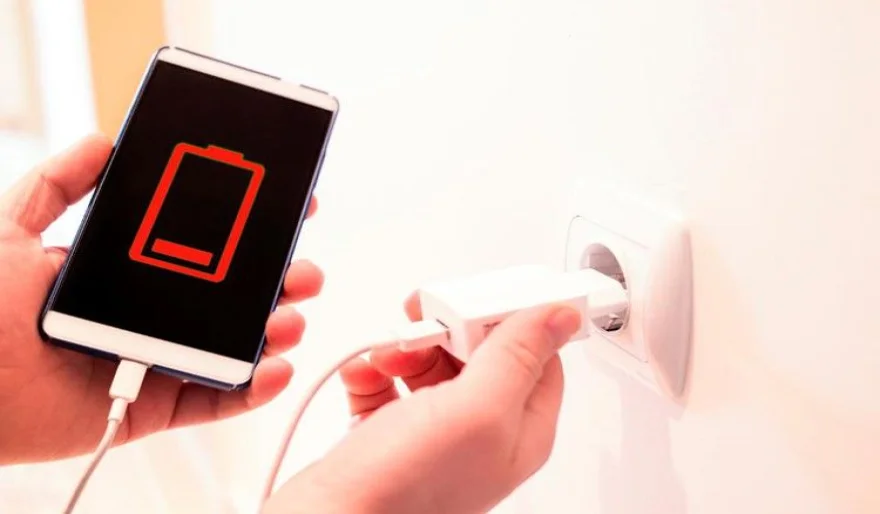
Turning off Bluetooth or dropping your brightness to 1% might save you a few minutes. But if your phone battery still dies before the end of the day, the real problem is something else entirely.
The biggest battery drains today are silent, invisible, and running in the background.
Let’s skip the myths and focus on what actually drains your battery — on both Android and iPhone.
⸻
🔋 The #1 Battery Killer: “Always-On” Background Apps
Your screen isn’t the main enemy.
Apps running background processes you never asked for are.
🔍 How to Find Them
Go to:
Settings → Battery → Battery Usage
Look closely at the list:
• If you see a social media, shopping, or food delivery app high on the list
• And you barely used it today
➡️ That app is quietly draining your battery in the background.
These apps constantly refresh content, track location, and check for notifications — even when your phone is locked.
✅ The Fix: Restrict Background Activity
For apps that don’t need instant alerts:
1. Open App Info
2. Tap Battery
3. Choose Restricted (Android) or disable background refresh (iOS)
You’ll still get notifications, just not instantly — and the battery savings are significant.
⸻
📍 The Location Leak You Didn’t Notice
GPS is one of the most power-hungry features on your phone.
🔍 Audit Your Location Permissions
Go to:
Settings → Location → App Permissions
Ask yourself:
• Does this app really need my location all the time?
Best settings:
• Maps, Uber, Weather → Allow only while using the app
• Shopping apps, games, review apps → Never or Only while using
This single change can dramatically improve standby battery life.
⸻
🌙 The Display: Smarter, Not Darker
☀️ Adaptive Brightness Works Better
Instead of locking brightness at a low level:
• Enable Adaptive Brightness
• Your phone adjusts efficiently based on lighting
It’s more battery-friendly than constantly adjusting it manually.
🌑 Dark Mode Actually Saves Power (Sometimes)
If your phone has an OLED screen (most modern Androids and iPhones):
• Black pixels are turned off completely
• Dark Mode can save noticeable battery, especially if you read a lot
⸻
📶 Two “Old Tricks” That Still Matter
📡 Wi-Fi Beats Mobile Data
When available, Wi-Fi uses less power than maintaining a cellular signal.
Always switch to Wi-Fi at home or work.
🔌 The Overnight Charging Mistake
Charging to 100% and leaving it plugged in all night stresses your battery.
Instead:
• Enable Optimized Battery Charging (iPhone)
• Or Adaptive Charging (Android)
Your phone learns your routine and finishes charging just before you wake up — better for long-term battery health.
⸻
🧠 Final Tip: Stop Fighting the Battery
Battery life isn’t about extreme tricks.
It’s about controlling which apps are fighting your phone in the background.
A 20-minute settings review using these steps will extend your daily battery life more than any myth you’ve ever tried.
👉 For more phone optimization guides, explore our How To section and stay in control of your device.
User Comments (0)
Popular Apps










Editor's Choice